Adding a Frame and Associated Form Fields
You can now finish the form by adding the remaining form fields.
The address information was designed to appear in a frame. The frame looks like the option box, but does not behave like the option box. The frame has no value of its own; it serves to group the form fields that appear within it.
First, paint the frame; then, insert the necessary label and entry fields.
- Add the frame and the label and entry fields in the painting as you previously learned to do. (Note that "State" is a list box, requiring a manual drop.)
- Size the frame, and align and space the labels and entry fields to create a pleasing appearance.
- Assign unique names to the entry fields, and modify the label fields to display the wording shown in the original sketch of the form.
- Size the first entry field (whose associated label field is &Company) to a reasonable length.
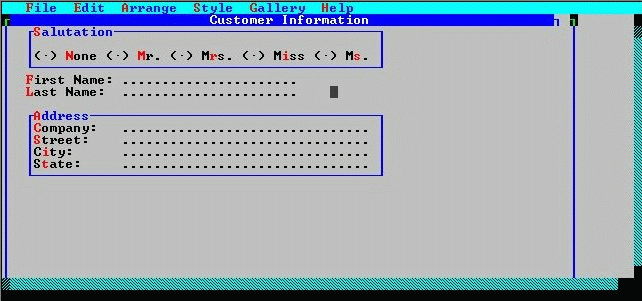
The form fields have varying widths.