If you have already downloaded the Zim 8.50 for Unix installer (Zim_8.50_build_2291.tar), you can go directly to Installing Zim 8.50 on Unix.
You need to create a user account on the website before you can download a trial version of Zim 8.50 for Unix.
Please, follow the steps described in Creating a User Account on the Zim Website if you have not created your user account.
1. Log in to Zim Website
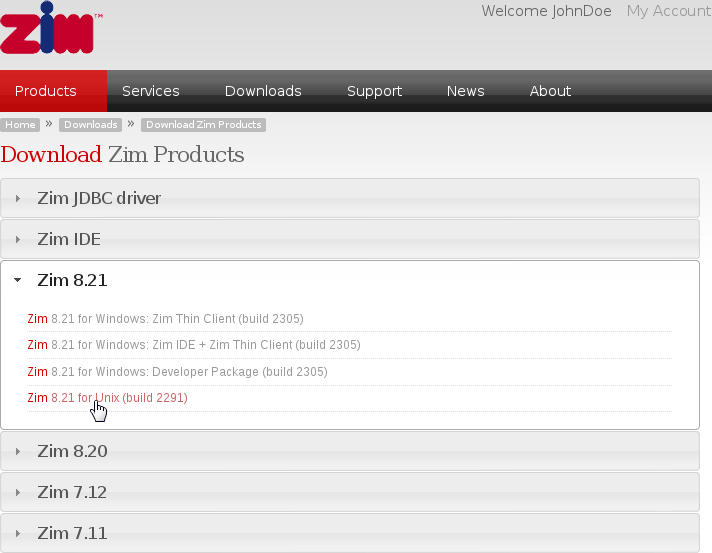
2. There are two different paths to reach the download link for the Zim 8.50 for Unix installer (steps a-b-c or step d)
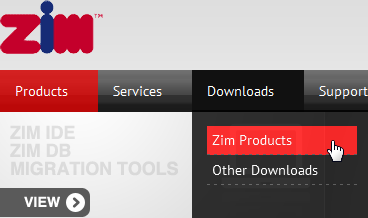
2a. On the main menu hover on Downloads, then click on Zim Products
2b. Next, click to expand the Zim 8.50 links
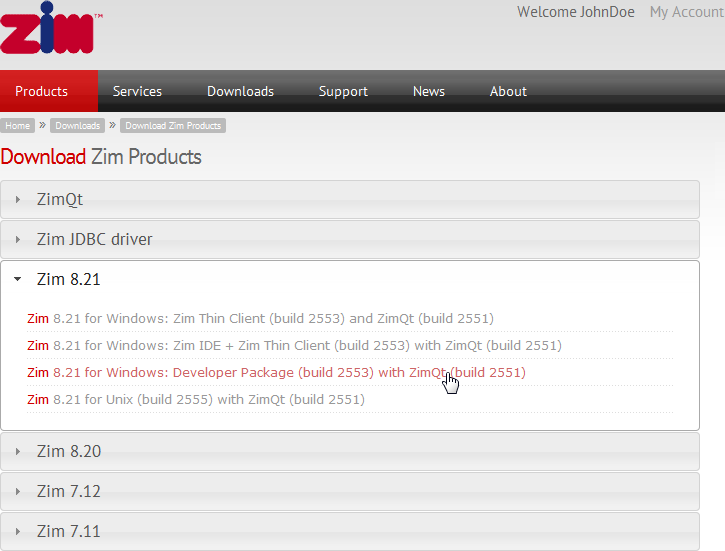
2c. Click on Zim 8.50 for Unix
2d. Alternatively, you can also reach the download link by hovering on Products and clicking on Zim 8.50 for Unix
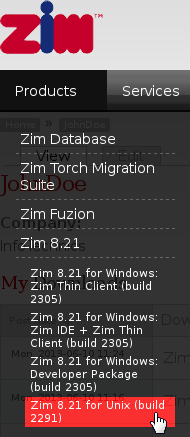
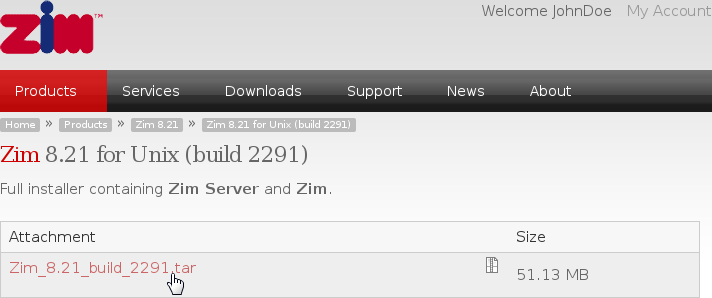
3. Click on Zim_8.50_build_2291.tar to begin downloading the installer
3. Check the Save File radio button and click on OK to begin downloading the installer
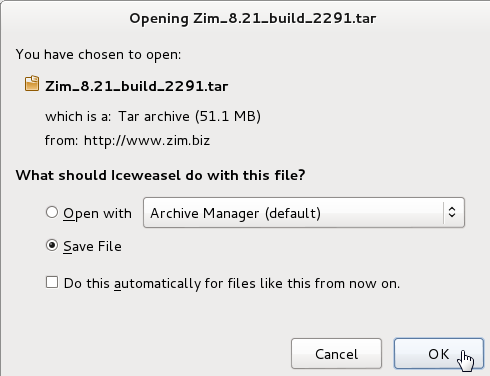
The installer will be saved on the default download location (usually /home/username/Downloads)
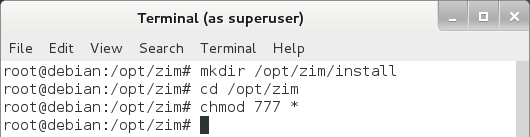
4. Open the terminal as root and create the installation directory:
mkdir /opt/zim/install
5. Go to the /opt/zim directory and change the permissions to allow files to written into the /install directory
cd /opt/zim
chmod 777 *
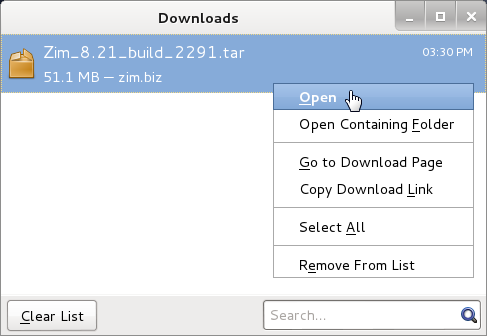
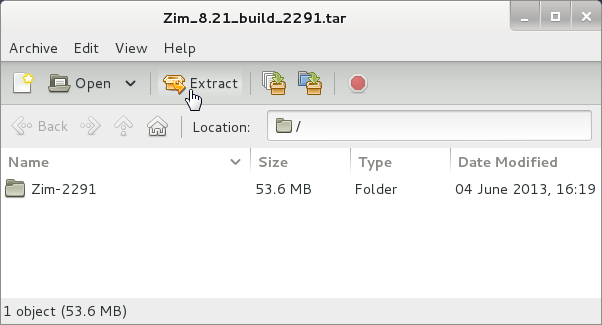
6. Open the installer using the default Archive Manager
7. Click on Extract the start extracting the installer's files into the /opt/zim/install directory
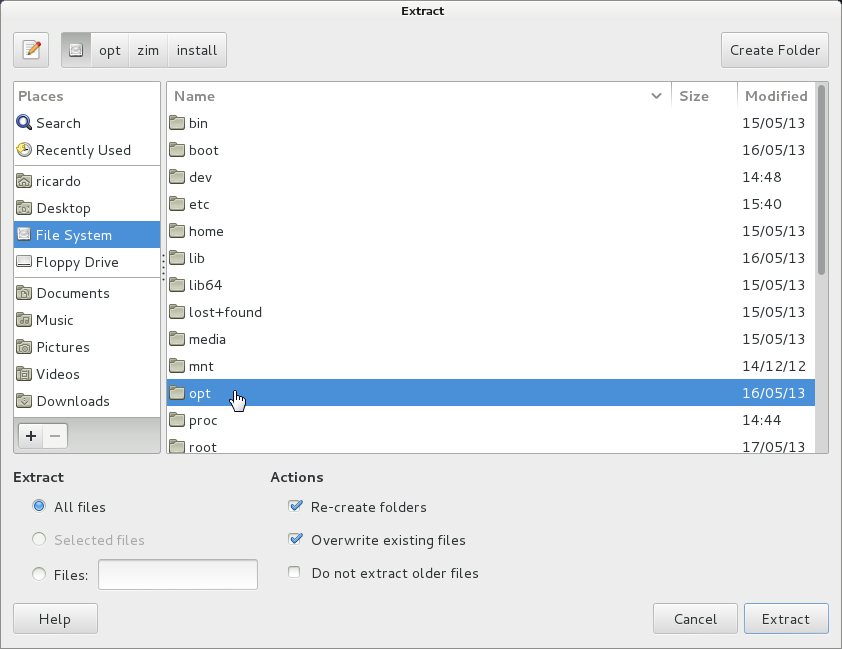
8. Click on File System and then click on opt, zim and install
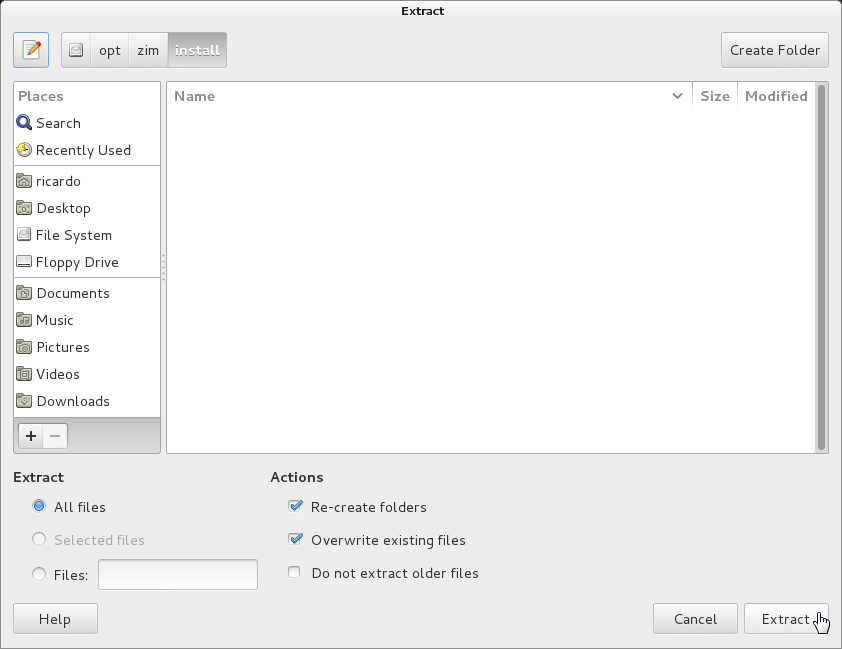
9. You should now be looking at the contents of the /opt/zim/install directory. Click on Extract to continue
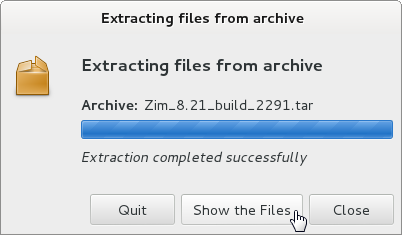
10. After all files are extracted, you should see the following dialog. Click on Close or Quit to continue
✓You have finished downloading and extracting Zim 8.50 for Unix and you are now ready to install it