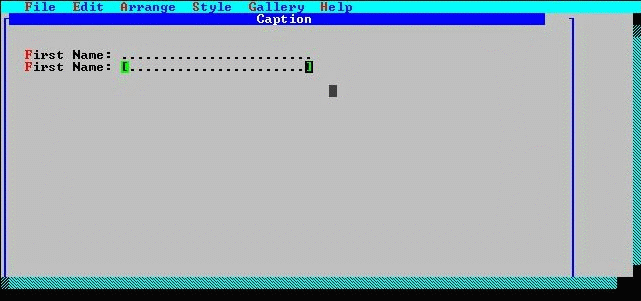
The new label and entry fields are not appropriately positioned with respect to the originals.
If You Don't Have A Mouse . . . Position the pointer over one of the selected fields using the direction keys. Press F4 and then use the direction keys to move the fields to the desired location. An outline box shows the current position as they are moved. Finish the move operation by pressing F4.
The label and entry fields after editing and alignment.