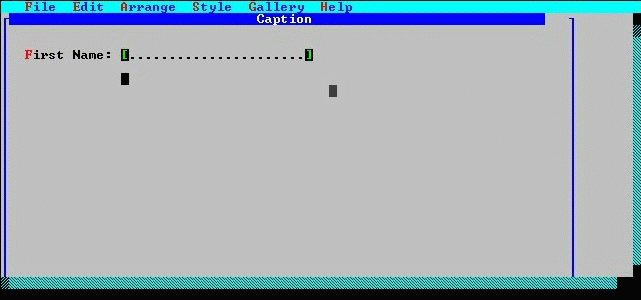
The field FirstName needs to be visually longer; the default physical width is not sufficient for the customer form. Changing the physical width (and height) of an entry field is a simple manipulation.
To make the size change, the object must be selected. FirstName is still selected.
If You Don't Have A Mouse . . . Position the pointer over the (bottom) rightmost selection handle using the direction keys. Press F4. Then drag the handle right using the Right direction key until the field is a desirable width. Then press F4 to end the resize operation.
Resizing an entry field.