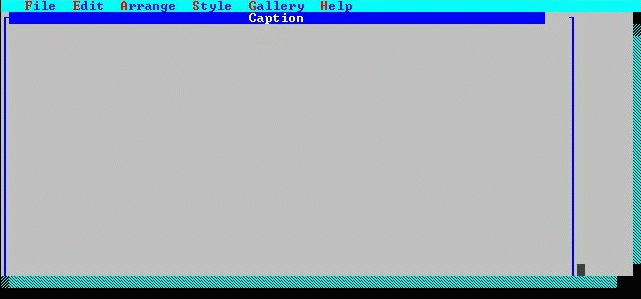
The Screen Painter now opens. The following figure points out some of the features of the Screen Painter.
Starting to define a new form.
The window with the heading "Caption" is the painting window. All user interface objects are painted in this window. More or less of the painting window is visible, depending on the painting window's size. Scroll bars are provided to enable you to scroll to the other areas of the window if it is not completely visible.