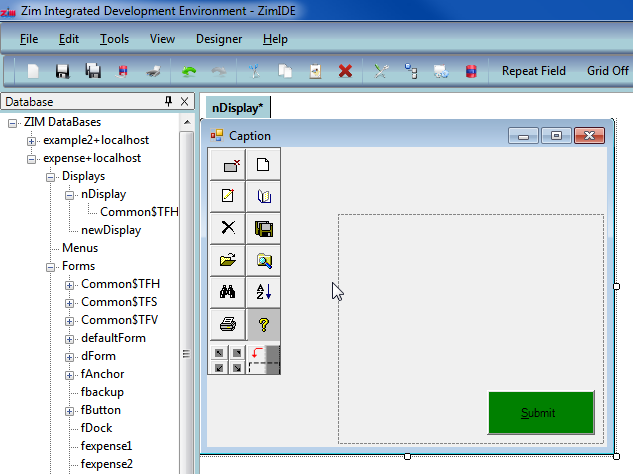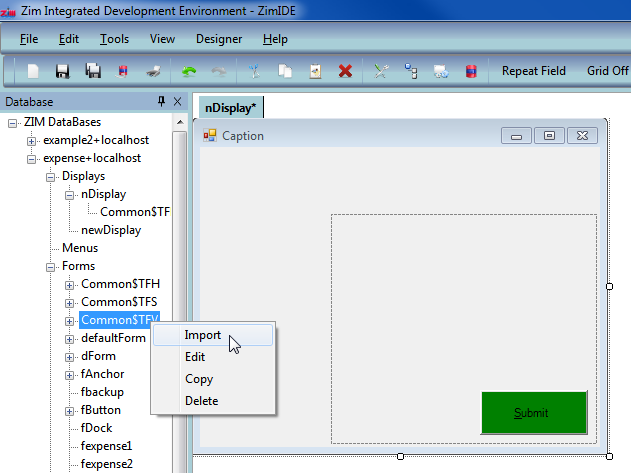
When painting a form, you can import fields from another form into the current form. To do this, select (with a single click) the form containing the field(s) you wish to import. A node will appear to the left of the form name and when you expand the node you will see the listing of fields contained within this form.
When painting a display, you can import an existing form into the current display.
1. Right-click on the form/field you wish to import and select "Import" from the menu.
Note: If you select a field containing child objects (such as a frame or option box), all the child objects will also be imported.
2. The form/field will appear at the top-left position of the current object in your workspace. Using the mouse, drag and drop the imported object to the desired position on the form.